Building My First Qubit
The Quantum Turtle · Build Journal
Building My First Qubit
What if you could explore a qubit with real buttons, knobs, and two small screens? We're turning our browser simulator into a physical learning tool.
V0.2 · Working breadboard prototype
Updated October 18, 2026 · Read the latest build update →
The controls now work
Two round screens, seven buttons, and two knobs now work together on an ESP32-S3. Turn one knob to change probability balance and the other to change relative phase. Press X, Y, Z, or H to apply a gate, Measure to get an outcome, or Reset to start again. A seventh button cycles through three color schemes without changing the state.
Each circle's filled area shows a measurement probability. Each hand shows its amplitude's phase. Together, the circles show one qubit. The board runs a classical simulation of a pure state, with gate animations that follow the browser version's math.
This is a working bench prototype with exposed wiring, not a finished children's toy.
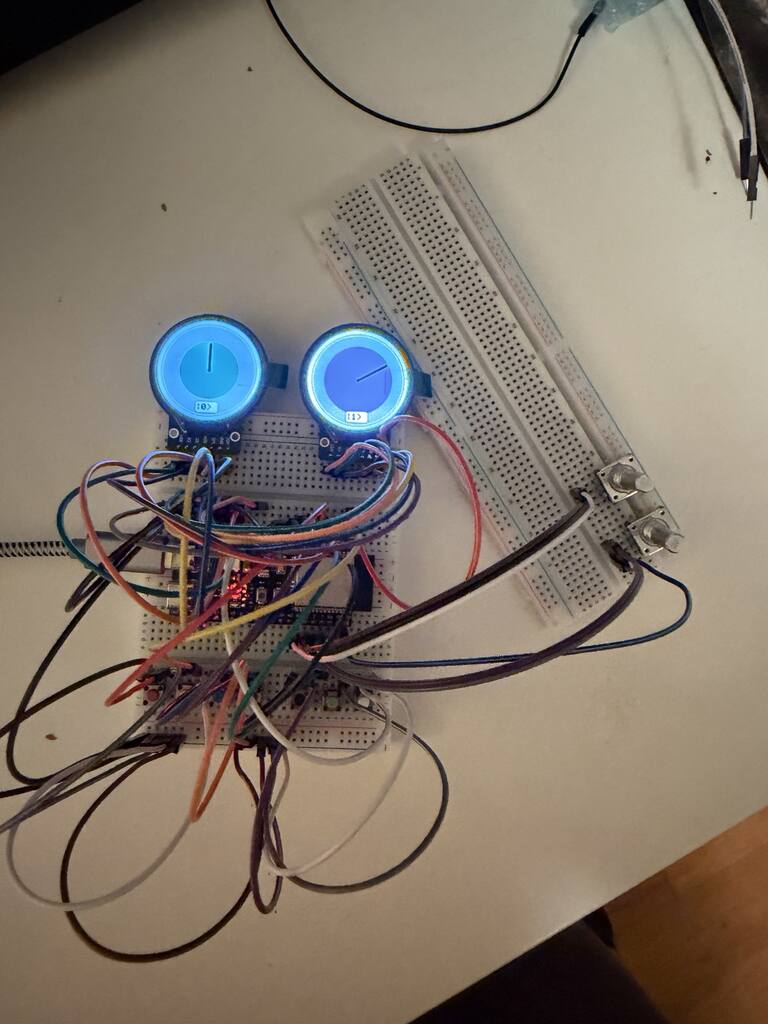
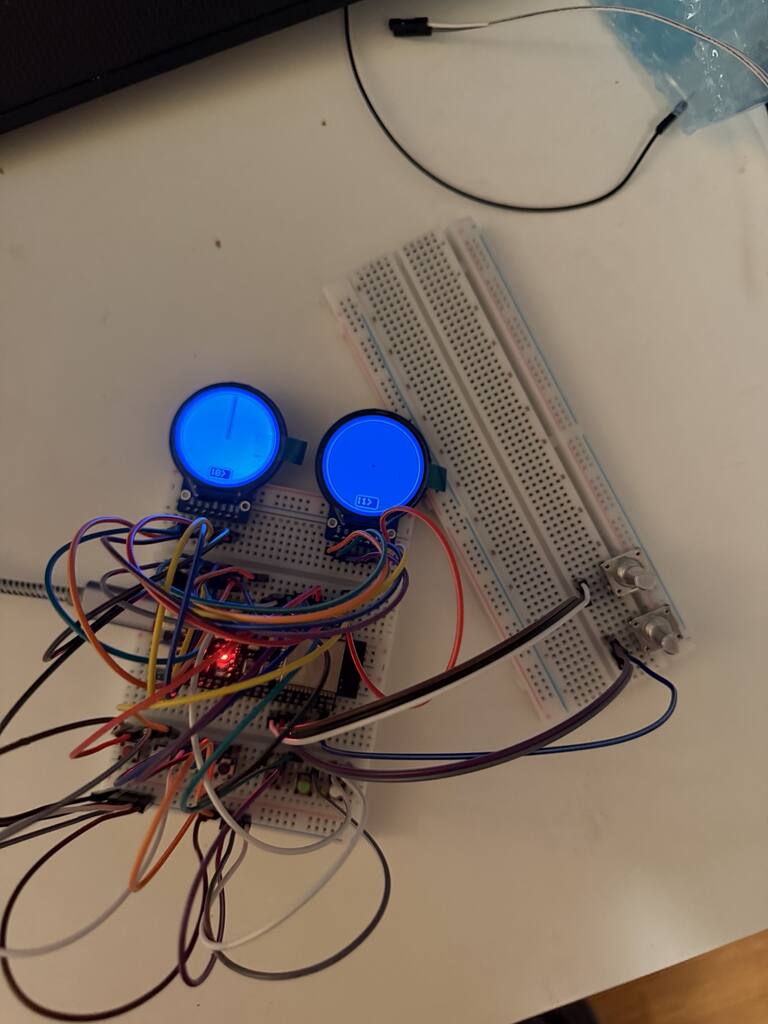
Where the build stands
The ESP32 drives both round screens with independent reset pins.
Circles and hands show probabilities and phases. Gate animation follows the browser reference.
Seven buttons and two knobs are tested on the bench. Encoder reversals and probability end stops now behave as intended.
Plan the front panel, secure the controls, protect the screens, and replace temporary wiring. Longer bench tests remain.
A baseline we can build on
The V0.2 checkpoint records the working firmware, exact connections, tested behavior, and known limits. The knobs select discrete probability and phase settings. Brief button presses during an animation can still be missed.
Why make it physical?
Quantum computing can feel abstract. The goal is to give learners something they can touch while they explore what a quantum gate does and how measurement works.