My First Qubit: the breadboard comes to life
Published:
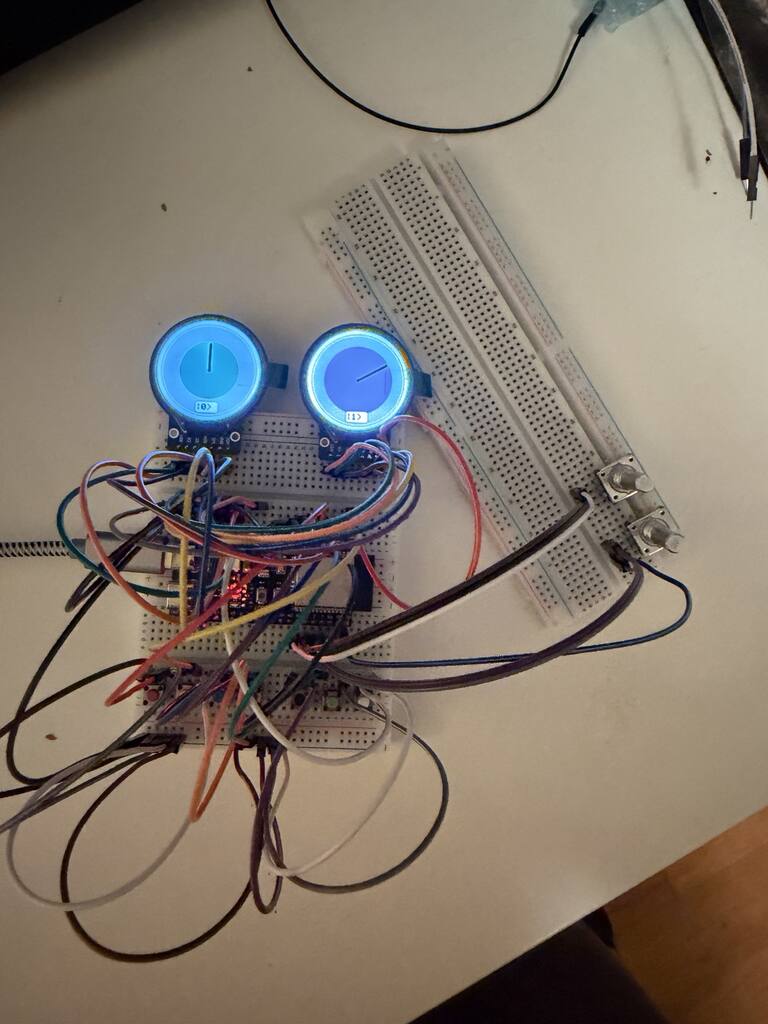
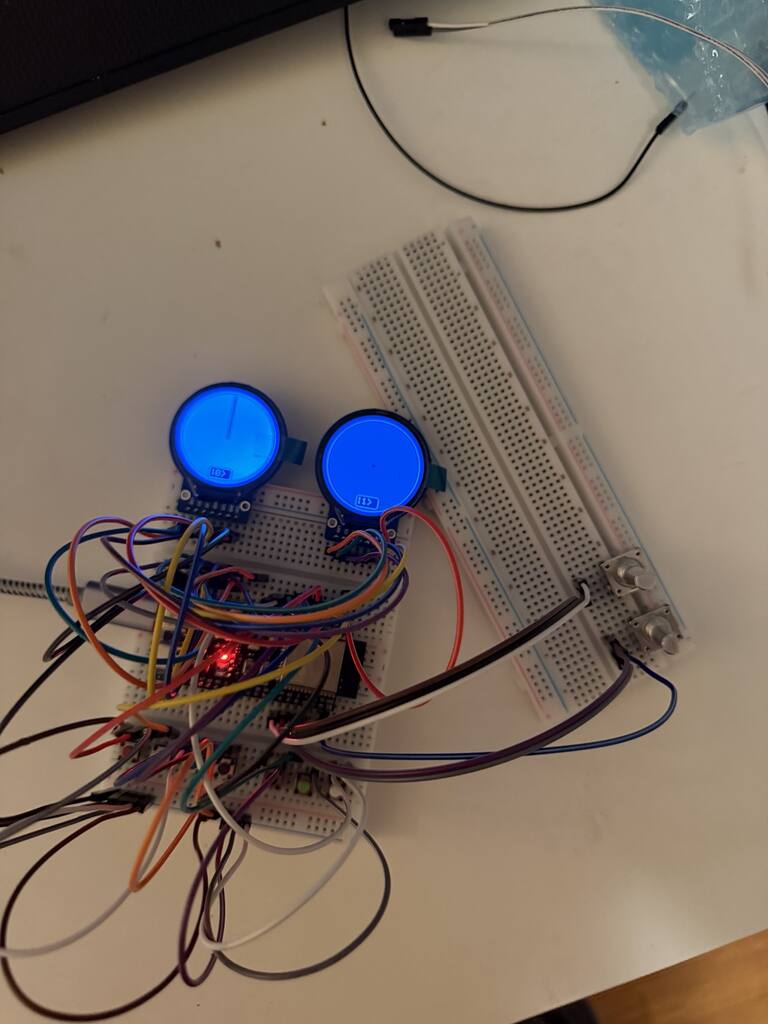
My First Qubit now works on the breadboard. I can turn a knob to change the chances of measuring 0 or 1, turn another to change phase, and press real buttons to apply quantum gates. Two small, round screens show what happens.
It started as a question: could a child explore a qubit through something they could touch? The browser simulator gave me a way to try the idea. This build puts those same ideas into physical controls.
Two circles, one qubit
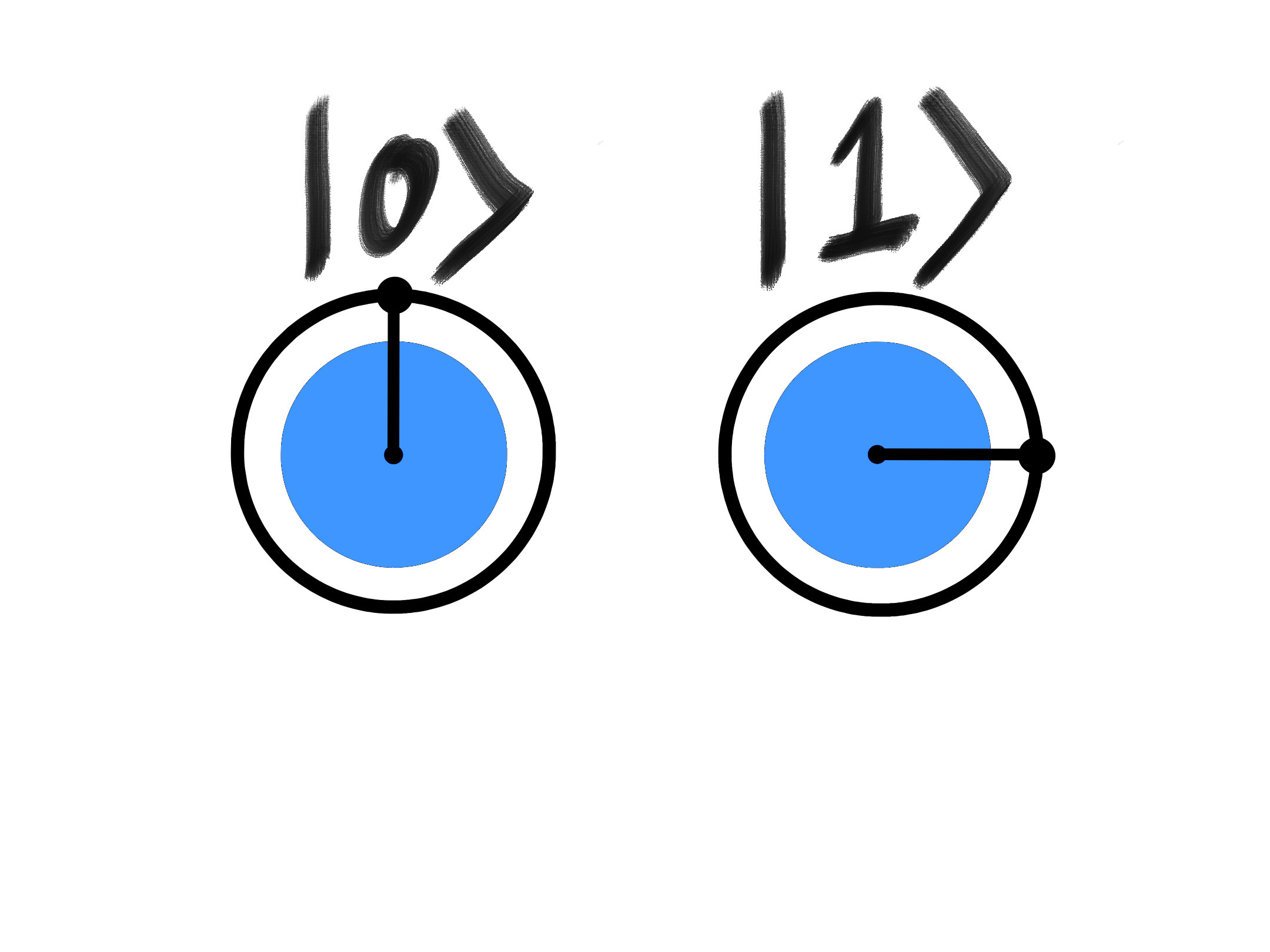
The circles represent the two possible measurement results, 0 and 1. They show one qubit, not two.
Each circle’s filled area shows the chance of getting that result. When both areas are equal, each result has a 50% chance. Each clock hand shows the phase of its complex amplitude. The difference between the hands matters for interference. Turning both by the same amount changes global phase, which does not change measurement results.
When a circle is empty, its phase is undefined, so its hand disappears.
The board runs a mathematical simulation on an ESP32-S3. It does not contain quantum hardware. The point is to make the state and its changes easier to explore.
Buttons and knobs that work
The prototype has seven buttons: X, Y, Z, H, Measure, Reset, and Colors. The first four apply quantum gates. Measure picks an outcome using the current probabilities and leaves the state at that result. Reset returns to 0.
Two rotary encoders control probability balance and relative phase. The balance knob makes one circle grow as the other shrinks. The phase knob changes the difference between the hands. These knobs let me explore many more states than the gate buttons alone.
The screens also have three color schemes: Woodland, Garden, and Night. Changing colors leaves the qubit state alone. That small detour was fun, and it gives the board another simple interaction.
The small bugs taught us something
Getting both screens to light up was only the start. Each display needed its own reset pin. Drawing each frame in memory before sending it to the screen removed the black wipes between updates.
The gate animations now follow the same complex-amplitude path as the browser version. The hardware shows fewer frames, but the probabilities and phases follow the same math.
The knobs revealed two useful bugs. At full 1, turning the probability knob farther could rotate the surviving hand. The software was rebuilding the state at a limit and adding the saved phase again. Now, an extra turn at either limit leaves the state untouched.
The first click after changing direction could also go missing. Counting a complete encoder cycle at its resting click position fixed that. Both fixes are now tested on the bench.
A checkpoint before the wood
I have saved this as the V0.2 breadboard milestone, with the tested firmware and wiring. The core interaction works: turn, press, and watch the state change.
The next step is to make the assembly easier to handle. That means a front-panel layout, secure controls, protected screens, and wiring that can stay put. Longer bench tests still need to happen. This exposed prototype is for adult development, not for a child to play with yet.
The aim is a wooden learning instrument that invites exploration first, with explanations for parents and older learners when they want them. The breadboard gives me something concrete to build around.